
7 free alternatives to Roll20
Roll20 is the virtual tabletop most groups try first, and its free tier is real: maps, tokens, fog of war, dice and character sheets for hundreds of systems. People still go looking for something else. Dynamic lighting needs a paid Plus plan (around $6 a month at the time of writing), scripting needs Pro, the interface feels dated, and the free asset storage runs out quickly if you collect maps.
Here are seven free tools that cover parts of what Roll20 does. None is a full replacement, so each entry says what you keep and what you lose. DMVault is mine, so read that entry with that in mind.
Quick comparison
| Tool | Cost | Install | Best for |
|---|---|---|---|
| Owlbear Rodeo | Free tier, paid plans | Browser | Quick, clean map play |
| DMVault | Free, premium optional | Browser, players need no account | Images, music and combat from one dashboard |
| MapTool | Free, open source | Java desktop app | Macros and automation |
| Tabletop Club | Free, open source | Desktop app | 3D tables with physics |
| Let's Role | Free account, paid extras | Browser | Many systems and custom sheets |
| Fantasy Grounds VTT | Free software, paid content | Desktop app | Rules automation |
| PlanarAlly | Free, open source | Self-host | Free dynamic lighting |
1. Owlbear Rodeo
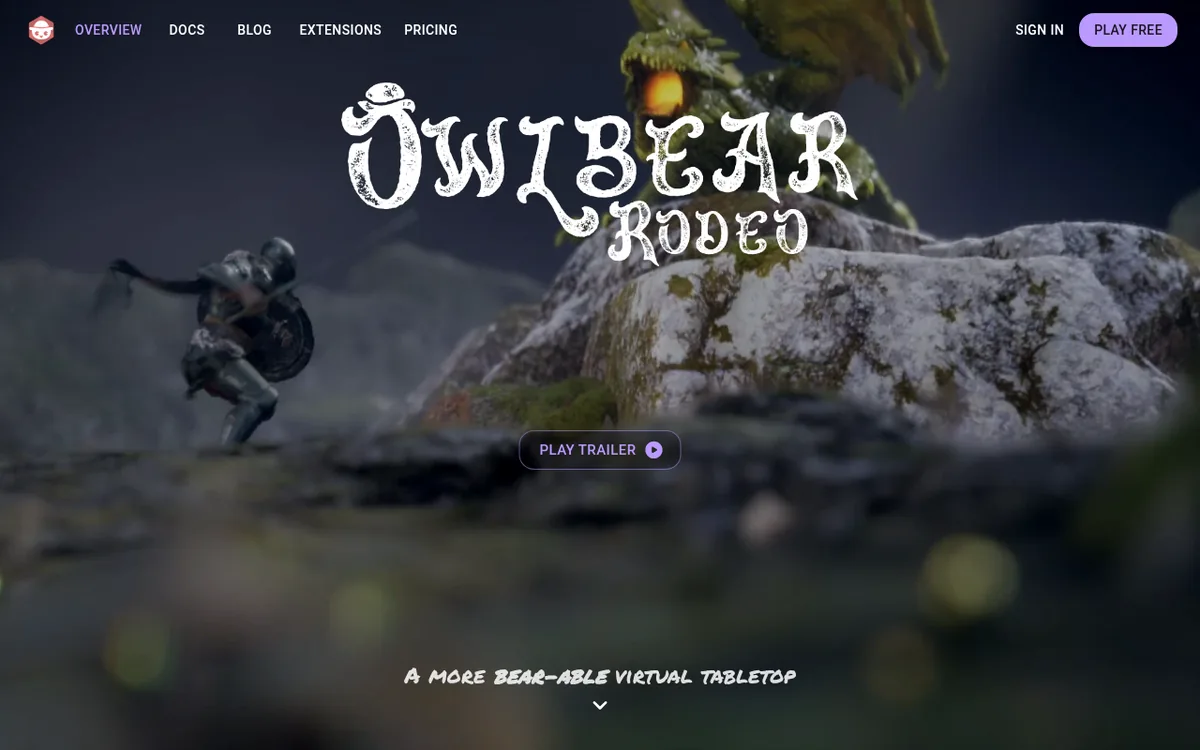
Owlbear Rodeo is the usual first stop for people who find Roll20 heavy. You create a room, drop in a map, add tokens and fog, and share a link. It has no rules and no character sheets, which is exactly why it is quick.
The free plan limits cloud storage, and some features sit on the paid tiers. If you relied on Roll20's sheets and dice automation, you will have to handle those at the table or with extensions.
Pick it if you mostly use Roll20 as a place to put a map.
2. DMVault
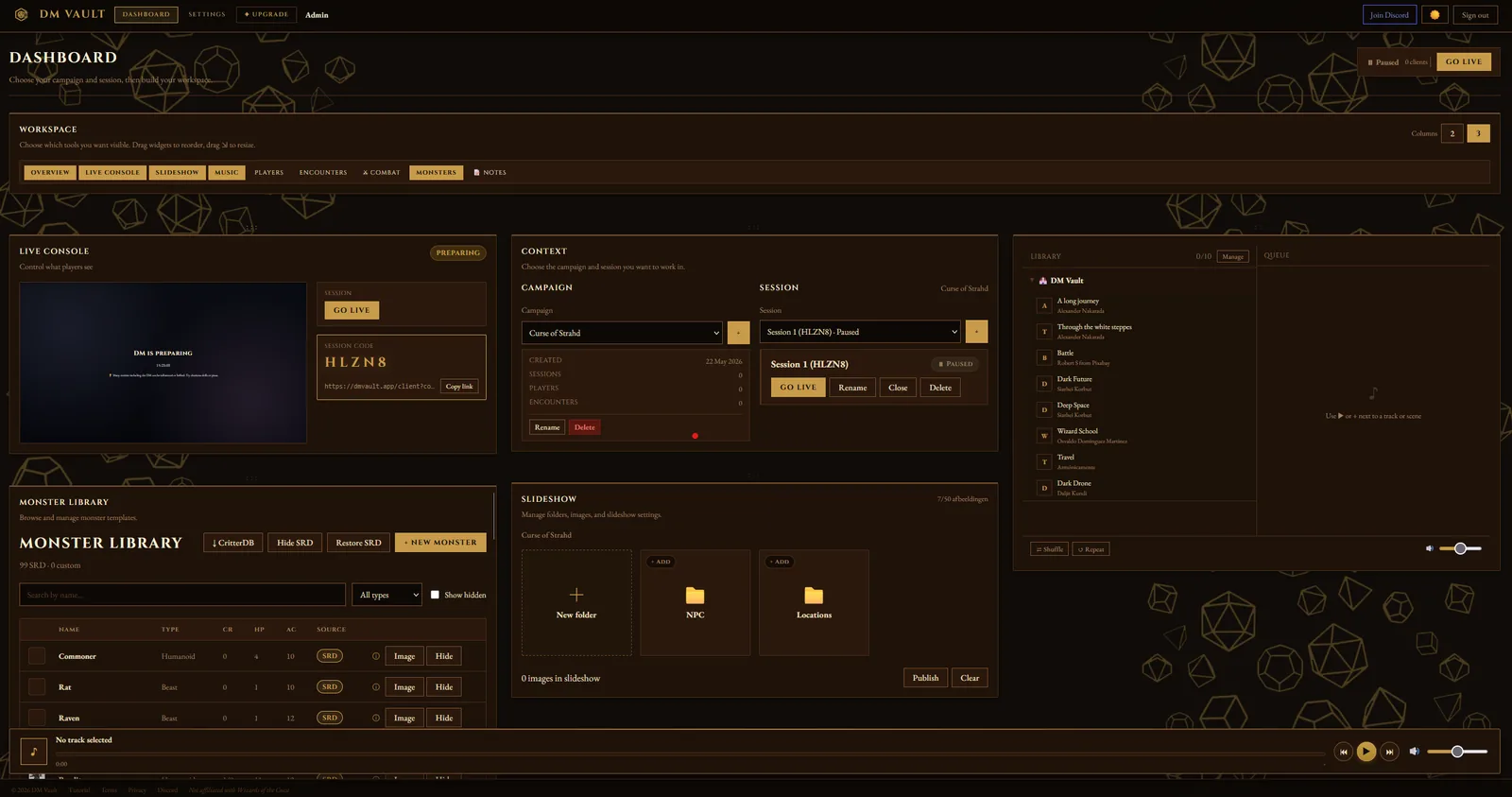
DMVault takes a different angle from Roll20. Instead of a shared canvas that everyone edits, the DM has one dashboard and the players get a clean screen that shows what the DM pushes to it. You send images and maps with drawing tools and fog of war, run ambient music and a soundboard, and track initiative, HP and conditions. Players join with a link and a session code, with no account and no install, and only the DM needs to create a free account.
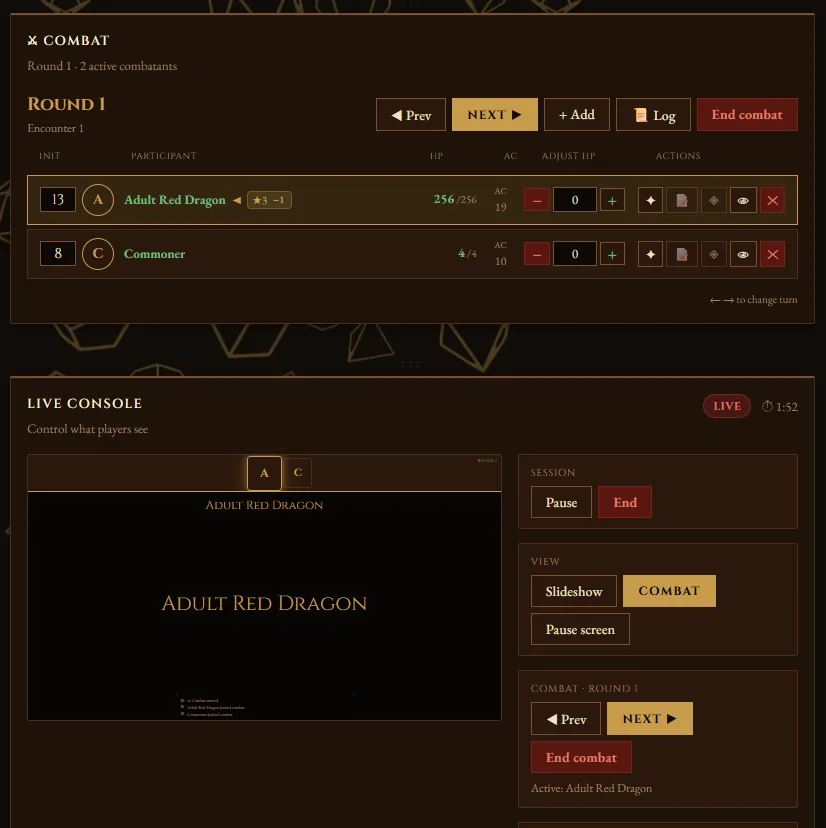
Prep is built in: the full D&D 5e SRD 5.1 monster library, an encounter builder with difficulty ratings, an NPC generator, campaign and session notes, and character import from D&D Beyond. It has no ads and no tracking cookies. Free accounts get 50 images and 10 music tracks, and premium raises that to 200 and 100.
It does not automate character sheets or dice the way Roll20 does, and it is aimed at D&D 5e first, though the slideshow, music and tracker work for any system.
Pick it if you want Roll20's "everyone sees the same thing" without the setup, especially for in-person tables and calls. Create a free account and try a session with your group.
3. MapTool
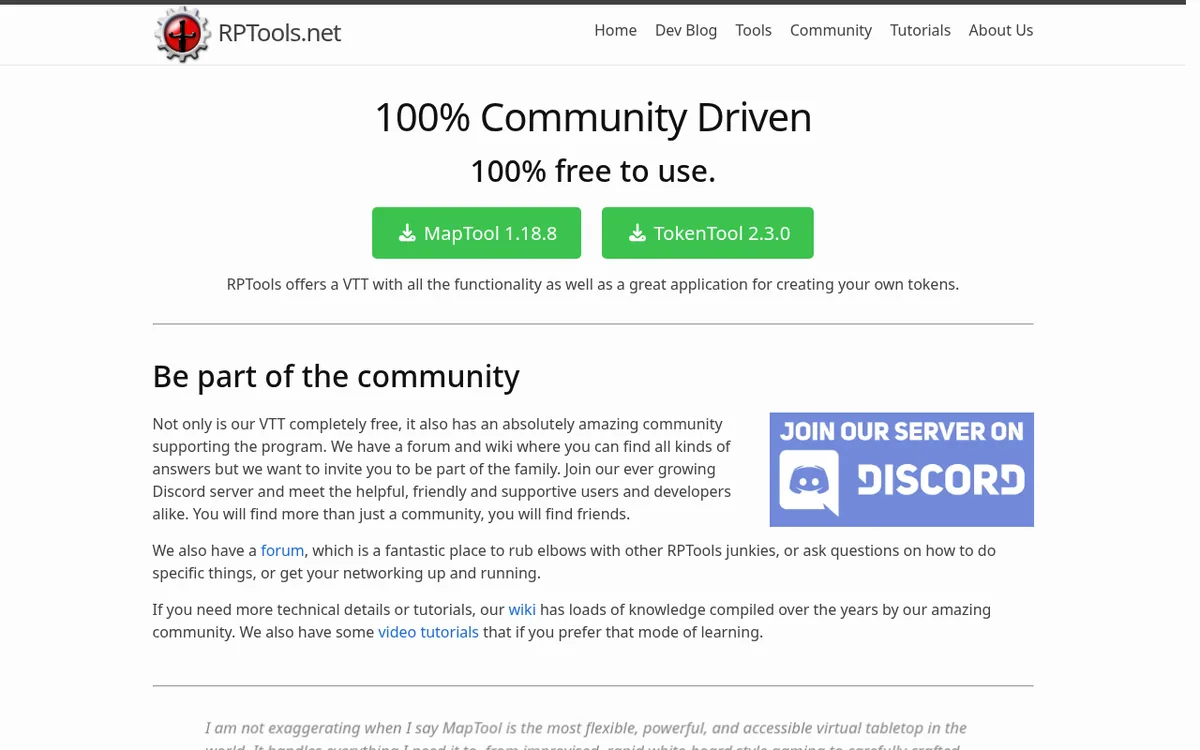
MapTool is a free, open-source VTT that has been around for many years. It is a Java desktop application with a macro language that can automate a lot, so people build the kind of automation that Roll20 only offers on its Pro plan. Lighting and vision are included.
The price is setup. Everyone installs it, and one person hosts. The interface is not friendly to newcomers.
Pick it if you like building your own tools and want scripting without a subscription.
4. Tabletop Club
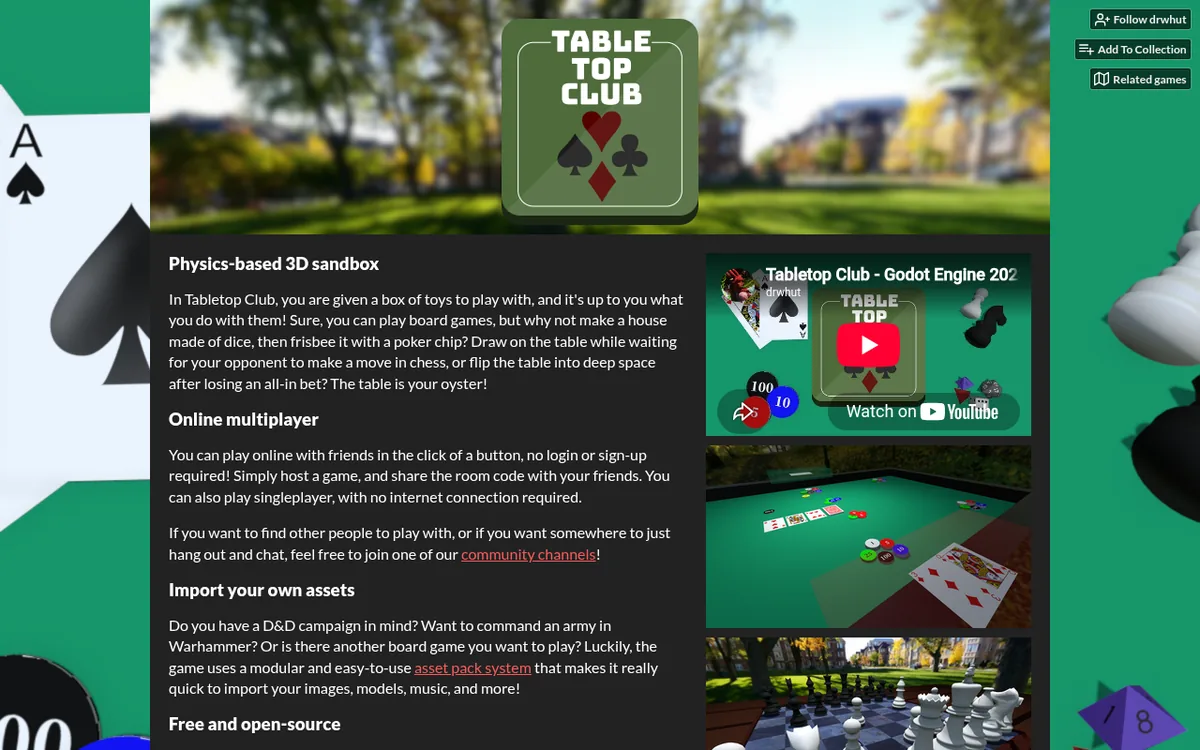
Tabletop Club is a free, open-source 3D sandbox built with the Godot engine. You play on a table with physics: dice roll, cards fall, miniatures knock into each other. Its page says you can play online with friends without a login or sign-up, and you can import your own assets.
It is a table, not a D&D toolkit. There are no sheets, no fog of war and no rules, so it suits groups who like the feel of a physical table more than automation.
Pick it if the tactile part of tabletop is what you miss online.
5. Let's Role
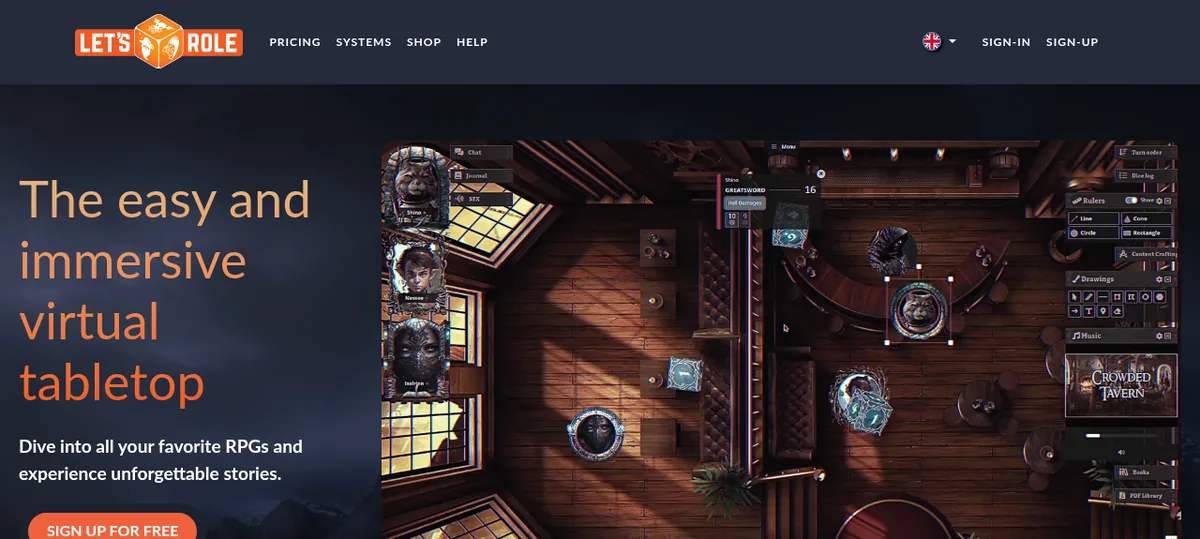
Let's Role is a browser-based VTT with a free account. It supports many game systems, has an animated dice roller, a journal and a sound library, and lets you build your own system and character sheets. Its income comes from cosmetic extras and a paid plan, so check what the free account includes before you commit a campaign to it.
It is less known than Roll20, which means fewer public games to join and a smaller community to ask for help.
Pick it if you run a less common system and want to design your own sheets.
6. Fantasy Grounds VTT
Fantasy Grounds automates rules for many systems and sells the largest range of licensed content. The base software became free to play in late 2025, so it now belongs on a list like this. Adventures and rulebooks still cost money.
It is a desktop app that everyone installs, and the interface is dense. Check the current terms on the official site, since the free and paid parts changed recently.
Pick it if you want more automation than Roll20's free tier offers and don't mind a learning curve.
7. PlanarAlly
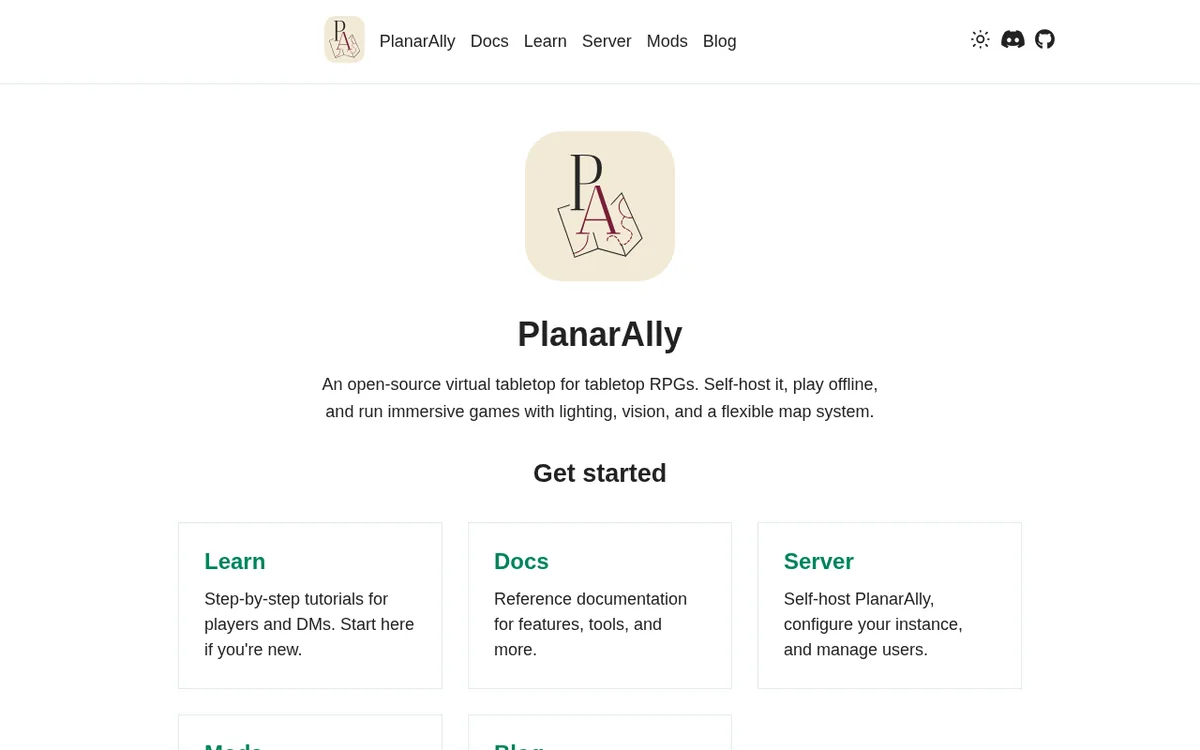
PlanarAlly is an open-source VTT you host yourself. Its main selling point is dynamic lighting and player vision, which Roll20 reserves for paid plans. It also has an initiative tracker, layers and an infinite canvas.
You need a machine to run it on, and the community and content library are small. There is no rules automation.
Pick it if dynamic lighting is the reason you are leaving Roll20.
Which one should you use?
- Just maps, fast: Owlbear Rodeo.
- Images, music and combat from one place, with players joining by link: DMVault.
- Automation and macros: MapTool.
- A physical-table feel: Tabletop Club.
- A system Roll20 handles badly: Let's Role.
- Rules automation: Fantasy Grounds VTT.
- Free dynamic lighting: PlanarAlly.
Most of these take ten minutes to try, so run a short session with each before you pick. If you are choosing between a virtual tabletop and a Foundry license, see our list of free alternatives to Foundry VTT too.