
7 free alternatives to Owlbear Rodeo
Owlbear Rodeo earned its reputation by doing less than other virtual tabletops. You open a room, drop in a map, add tokens and fog, and play. It is quick and it works for any system.
The free plan has limits, mainly cloud storage (100 MB when version 2 launched, so check the current figure), and the fuller feature set sits on paid tiers. If you hit those limits, or you want something Owlbear doesn't try to be, these seven tools are worth a look. One of them is DMVault, which I built.
Quick comparison
| Tool | Cost | Install | Best for |
|---|---|---|---|
| Roll20 | Free tier, paid plans | Browser | Maps plus dice and sheets |
| DMVault | Free, premium optional | Browser, players need no account | Maps, art, music and combat in one place |
| FreeVTT | Free, open source | Browser | Local-first play, no accounts |
| PlanarAlly | Free, open source | Self-host | Dynamic lighting |
| MapTool | Free, open source | Java desktop app | Scripting |
| Tabletop Club | Free, open source | Desktop app | 3D tabletop feel |
| Rolisteam | Free, open source | Desktop app | Maps, sheets and chat together |
1. Roll20
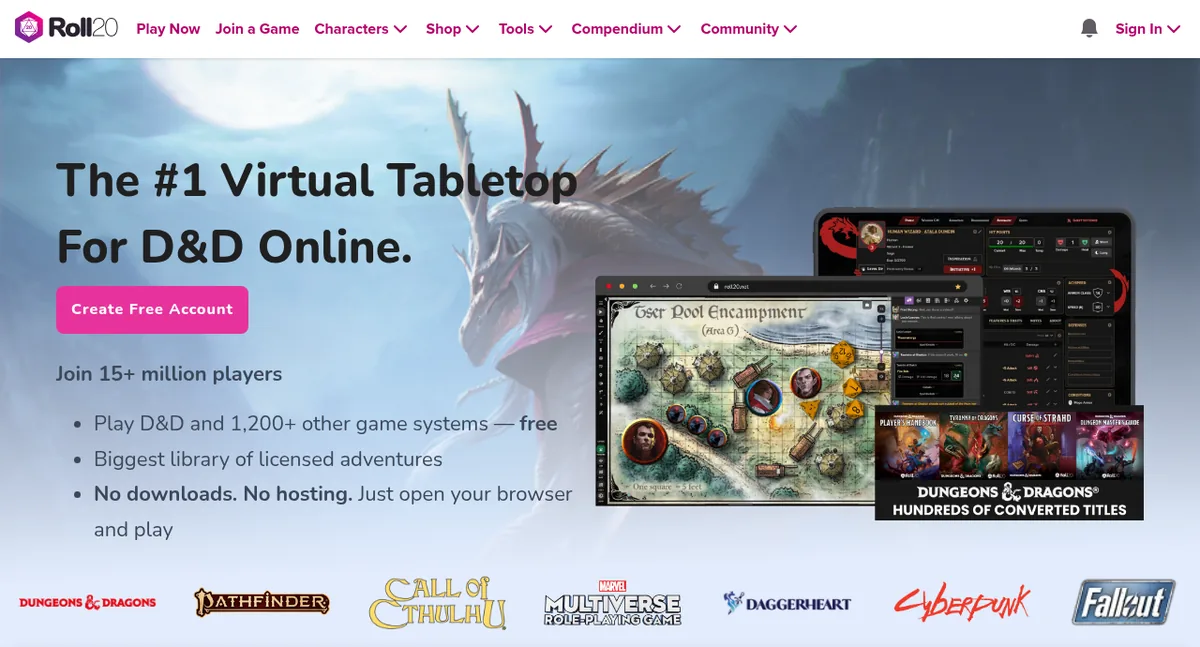
Roll20 does everything Owlbear does and adds dice, character sheets and a compendium. A free account is enough if all you want is shared maps with fog of war. Dynamic lighting needs a paid plan, and only the person who creates the game has to pay.
It is heavier and slower to set up than Owlbear. Expect an account for every player and a busier interface.
Pick it if your group wants sheets and dice built in.
2. DMVault
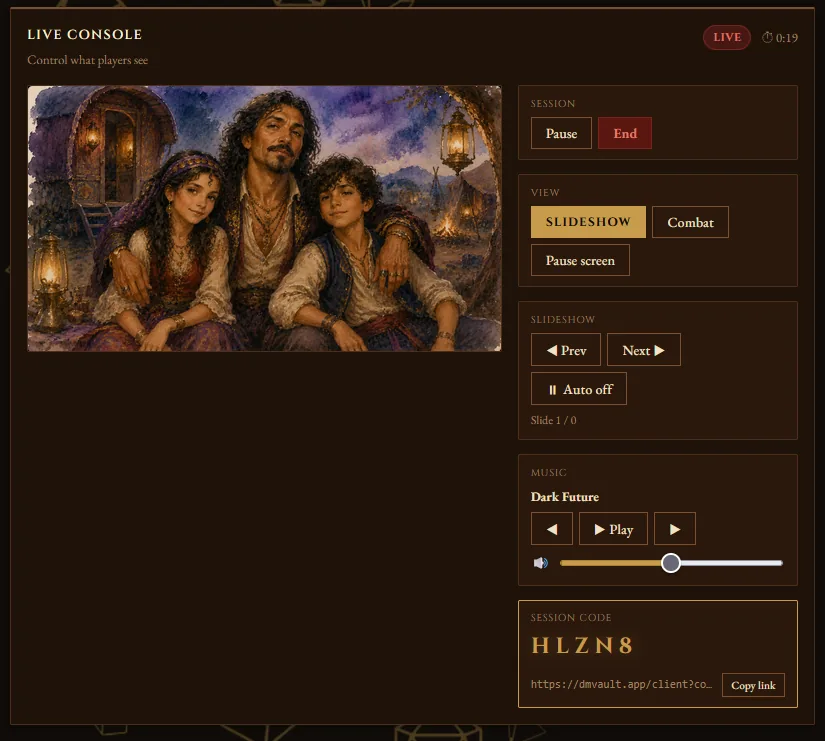
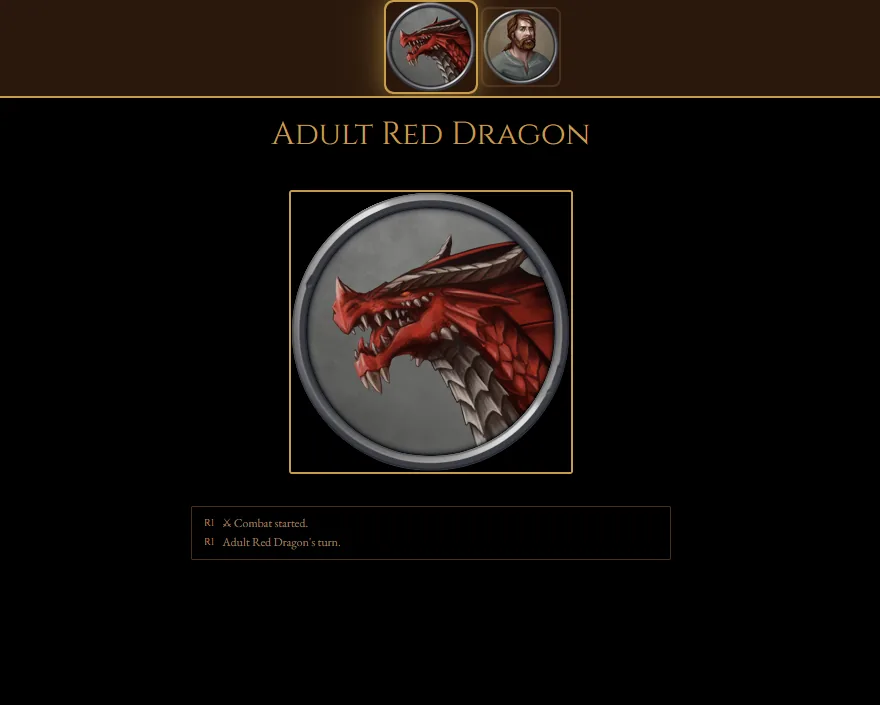
DMVault covers the "put something in front of the players" job from the DM's side. You push an image or map to the players' screen, draw on it, and reveal it with fog of war. The same console controls ambient music and a soundboard, and a combat tracker takes over the screen when initiative starts. Players join with a link and a code, with no account and no install, and the DM can create a free account in a minute.
It also holds your prep: a slideshow library with folders, the D&D 5e SRD 5.1 monsters, an encounter builder, an NPC generator and campaign notes. No ads, no tracking cookies. Free accounts have room for 50 images and 10 tracks, and premium raises that to 200 and 100.
It is a presentation and DM tool, not a grid with player-moved tokens, so if your players want to drag their own miniatures around, Owlbear is the better fit.
Pick it if you present maps, art and music more than you move miniatures. Make a free account to try it.
3. FreeVTT
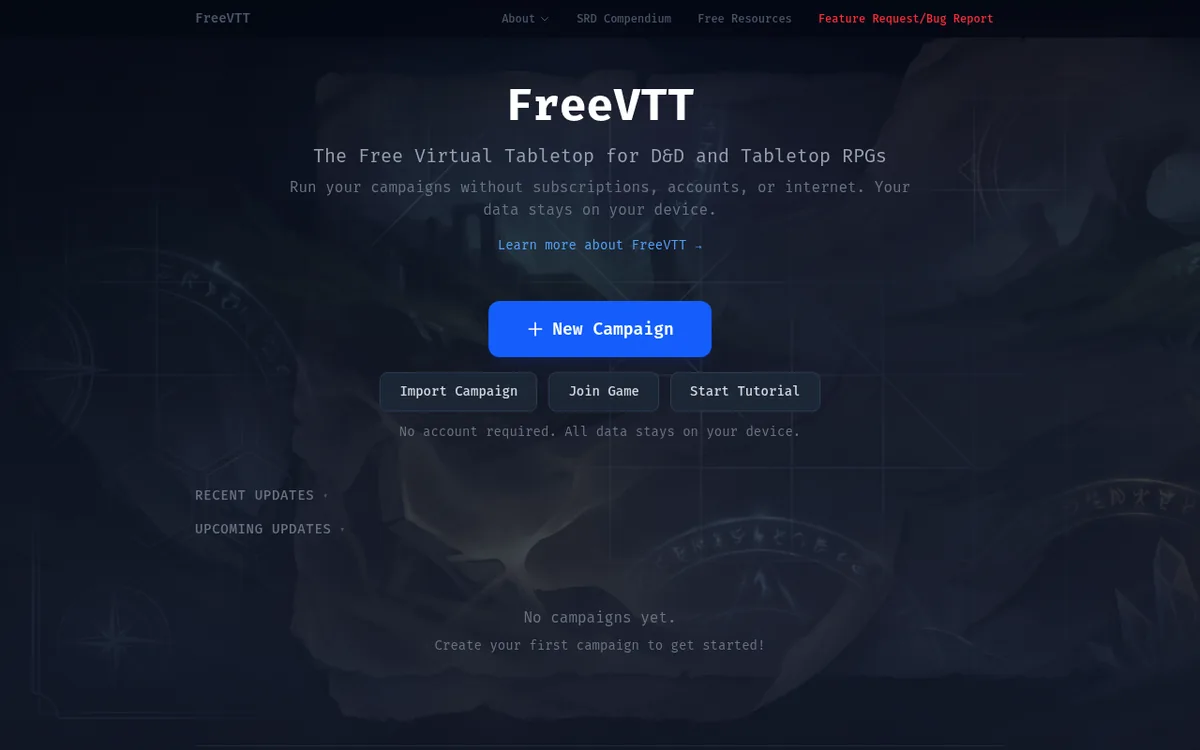
FreeVTT is an open-source browser tool for people who want no accounts and no subscription. Its site says your data stays on your device and that it works offline, and it lists maps, tokens, fog of war, initiative tracking and dice rolling.
Because everything is local, moving a campaign between computers means exporting and importing it. It is also young, with a small community.
Pick it if you want Owlbear's simplicity with nothing stored in the cloud.
4. PlanarAlly
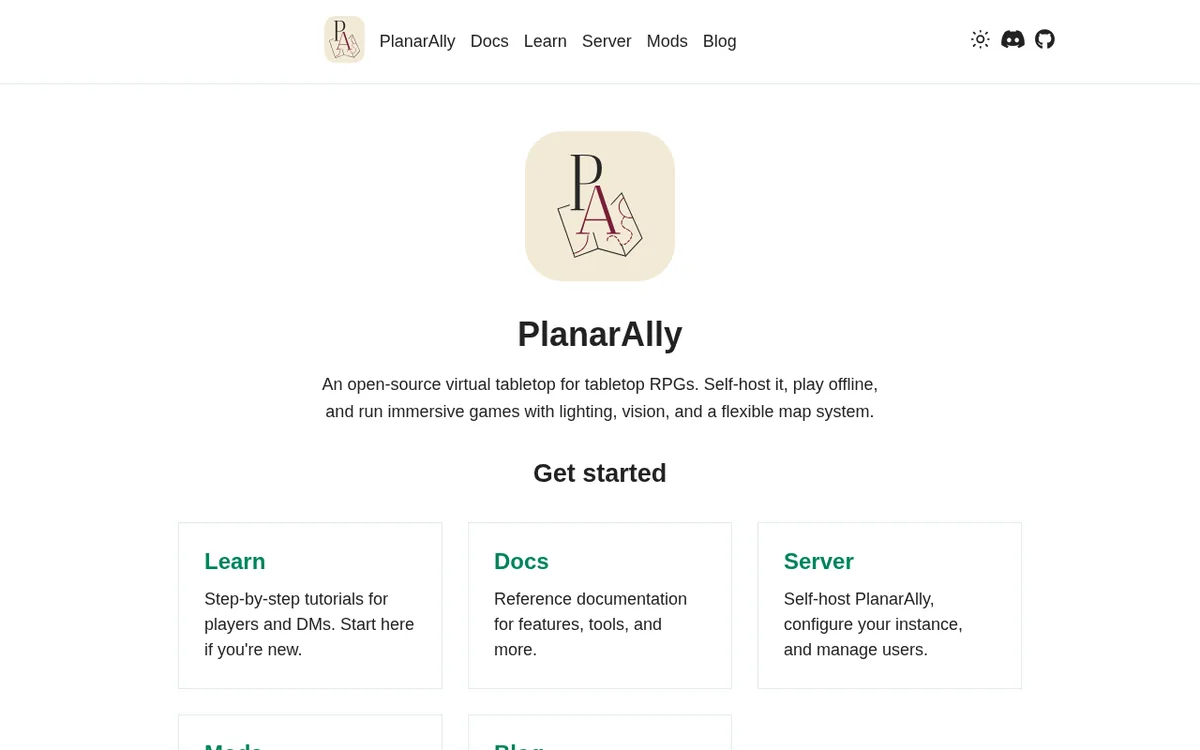
PlanarAlly is an open-source VTT you host yourself. It offers dynamic lighting and player vision, an initiative tracker and a flexible map system, all free. Players connect through the browser.
You need somewhere to host it and some patience with setup. It has no rules support.
Pick it if you want lighting and vision and don't mind running a server.
5. MapTool
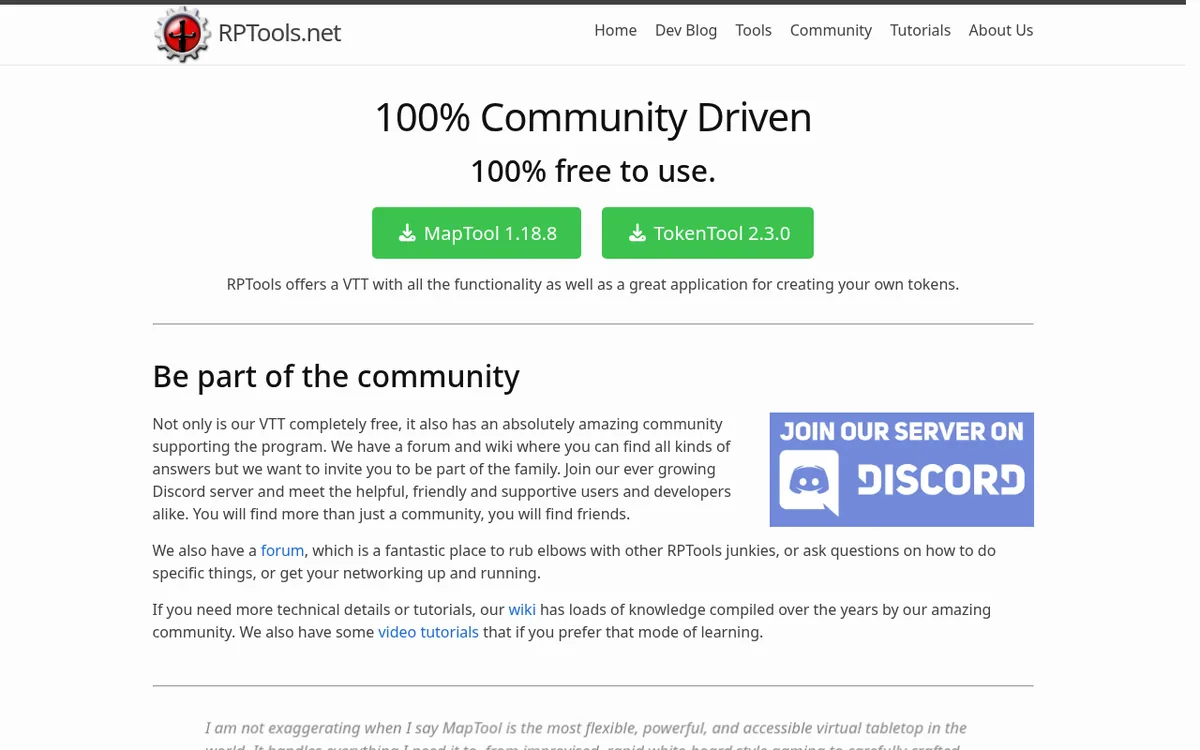
MapTool is a long-running open-source VTT written in Java. It has fog of war, lighting and a macro language that can automate almost anything. There is no subscription and no storage cap.
Everyone has to install it, and it takes time to learn.
Pick it if you want automation and full control.
6. Tabletop Club
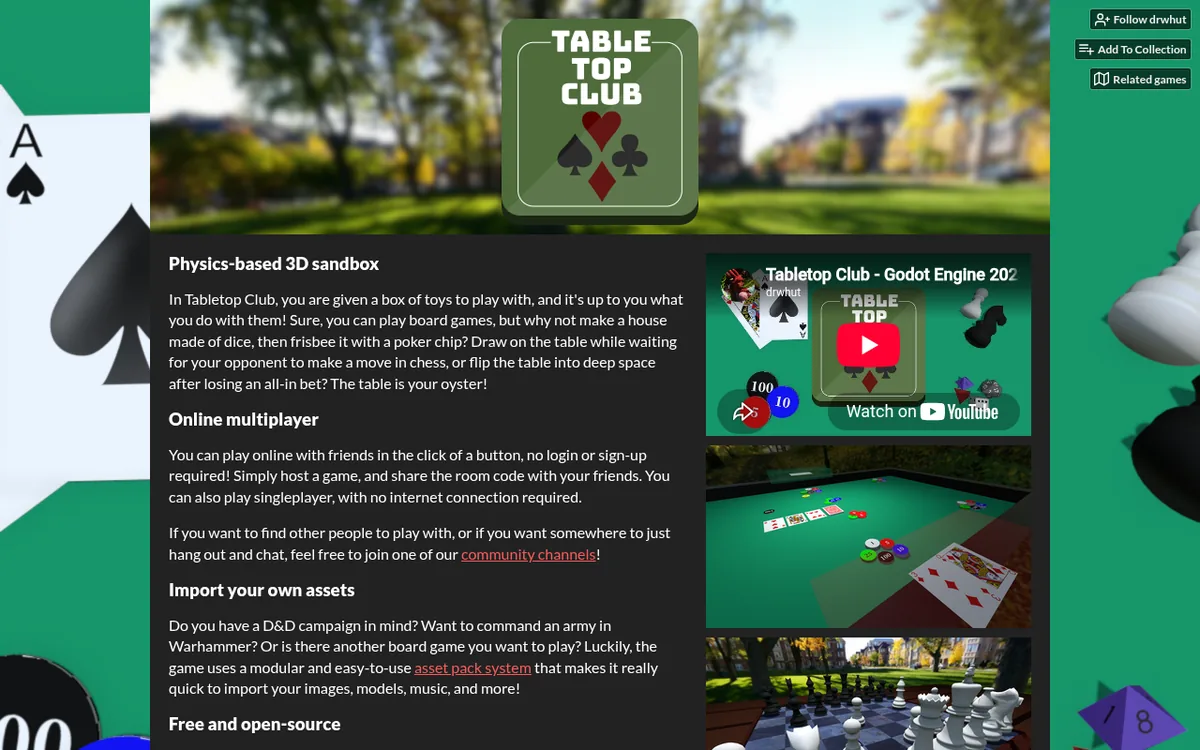
Tabletop Club is a free, open-source 3D table with physics, built on the Godot engine. Its page says you can play online with friends without a login, and you can import your own assets, so it works with miniatures and maps you bring yourself.
It has no D&D features: no sheets, no fog, no rules. It is about the feel of a table.
Pick it if you want your online game to look and behave like a physical one.
7. Rolisteam
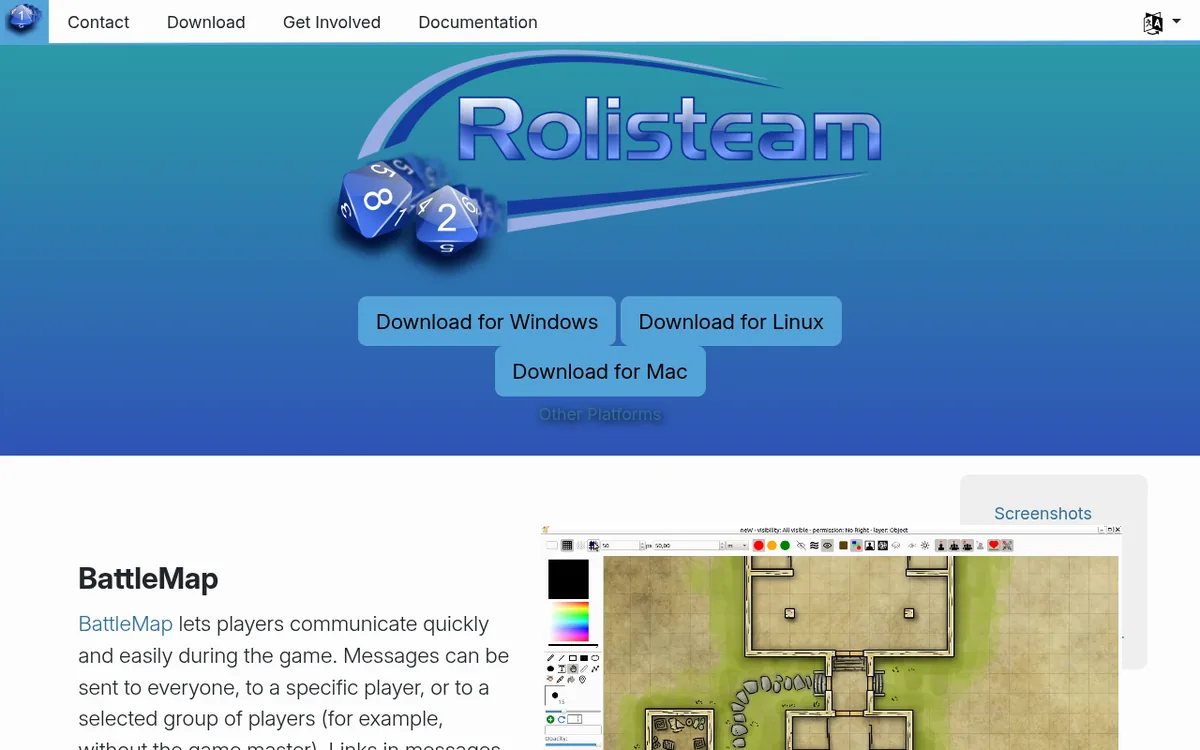
Rolisteam is a free desktop application for Windows, Linux and macOS. It combines a map table (BattleMap), character sheets, a shared notebook and chat in one program, and it works with many systems through sheet templates.
It needs an install for everyone, and English-language guides are thinner than for the larger tools.
Pick it if you want sheets, maps and chat in a single app.
Which one should you use?
- Dice and sheets with your maps: Roll20.
- Presenting maps, art and music, with players joining by link: DMVault.
- No accounts, nothing in the cloud: FreeVTT.
- Free lighting and vision: PlanarAlly.
- Macros: MapTool.
- A tactile 3D table: Tabletop Club.
- Maps, sheets and chat together: Rolisteam.
If Owlbear's free plan is working for you, keep it. These are for the day it stops being enough. You can also read about free alternatives to Roll20 and Foundry VTT.