
7 free alternatives to the D&D Beyond combat tracker
D&D Beyond has an encounter builder and a combat tracker. At the time of writing the builder is still in beta and the tracker is only available with a Hero or Master tier subscription. If all you want is somewhere to track initiative, HP and conditions while your party fights a dragon, there are free options.
This list sticks to trackers and tools that include one. DMVault is mine, so weigh that entry accordingly. For the wider picture of D&D Beyond's other features, see our list of free alternatives to D&D Beyond.
Quick comparison
| Tool | Cost | Install | Best for |
|---|---|---|---|
| Improved Initiative | Free, open source | Browser | A polished tracker for in-person games |
| DMVault | Free, premium optional | Browser, players need no account | A tracker players can see on their own screen |
| D&D Battle Tracker | Free, open source | Browser | A simple, no-frills tracker |
| Shieldmaiden | Free account, paid plans | Browser | Tracker, encounter and monster builder |
| Roll20 | Free tier, paid plans | Browser | A turn tracker inside a virtual tabletop |
| Fantasy Grounds VTT | Free software, paid content | Desktop app | Automated combat |
| MapTool | Free, open source | Java desktop app | A scriptable initiative panel |
1. Improved Initiative
Improved Initiative is a free, open-source combat tracker for D&D 5e that runs in the browser. Its source is MIT licensed, so you can also run your own copy with Node or Docker. People who use it often call it the most refined of the standalone trackers.
It lives on the DM's computer. Players don't get their own view unless you share your screen, and a tracker alone doesn't show images or play music.
Pick it if you run in-person games from a laptop and want a tracker that stays out of the way.
2. DMVault
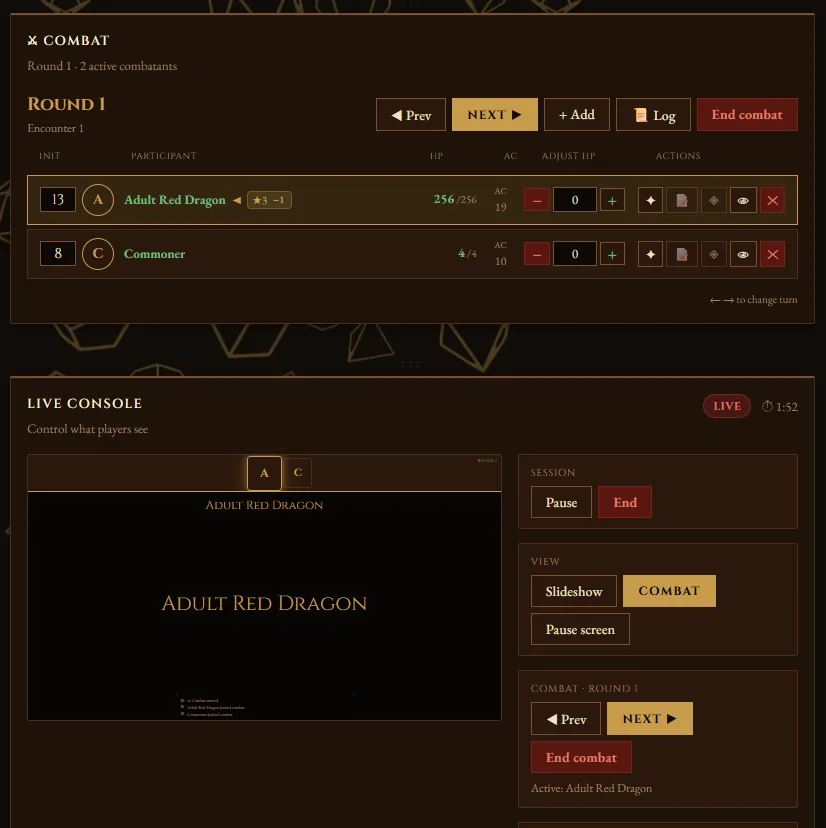
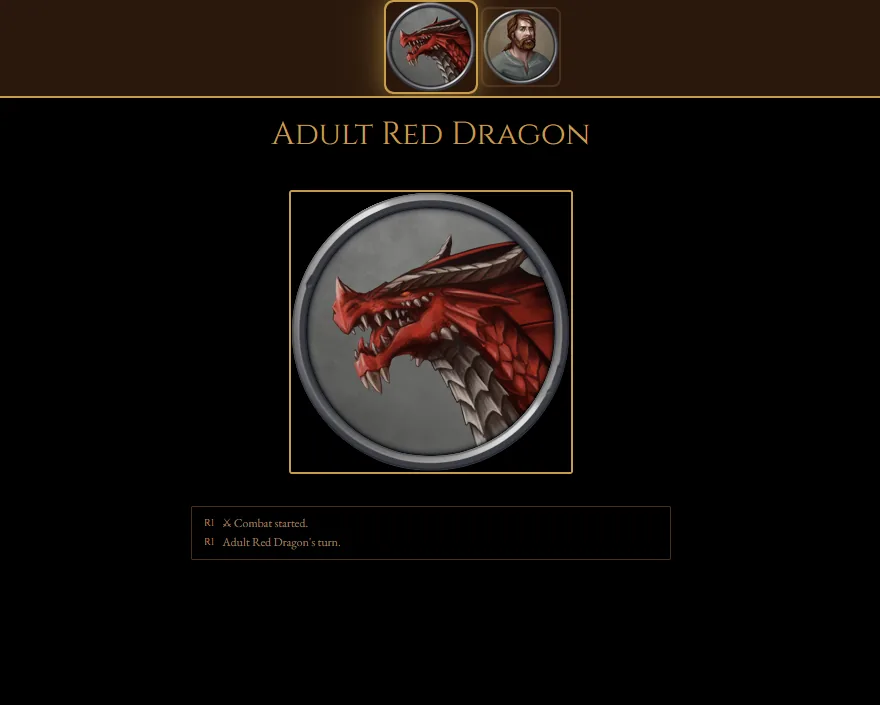
DMVault's tracker handles initiative order, HP, AC, death saves, status effects with durations, per-creature notes and loot, and a combat log you can save. Its difference is the second screen: players open a link and see their own view with initiative portraits and the active creature, so you don't have to turn your laptop around. Hidden creatures stay hidden from that view.
Creatures come from the SRD 5.1 library, your own entries or a CritterDB import, and the encounter builder rates difficulty before you start. Players join with a code and no account, and the DM can create a free account without verifying an email. Because the tracker sits next to the slideshow and the music controls, the same console also puts up the dragon's lair and the battle theme. No ads, no tracking cookies.
It does not do dice rolling for your players or automate attacks, and its stat blocks are the SRD ones.
Pick it if you want players to see initiative on their own screen. Create a free account and run one encounter to see if it suits you.
3. D&D Battle Tracker
D&D Battle Tracker is an open-source initiative and combat tool for 5th edition. It tracks turns, HP, conditions and notes, and you can host it yourself.
It is deliberately small. It has no player view and no encounter building beyond what you enter by hand.
Pick it if you want the least software that does the job.
4. Shieldmaiden
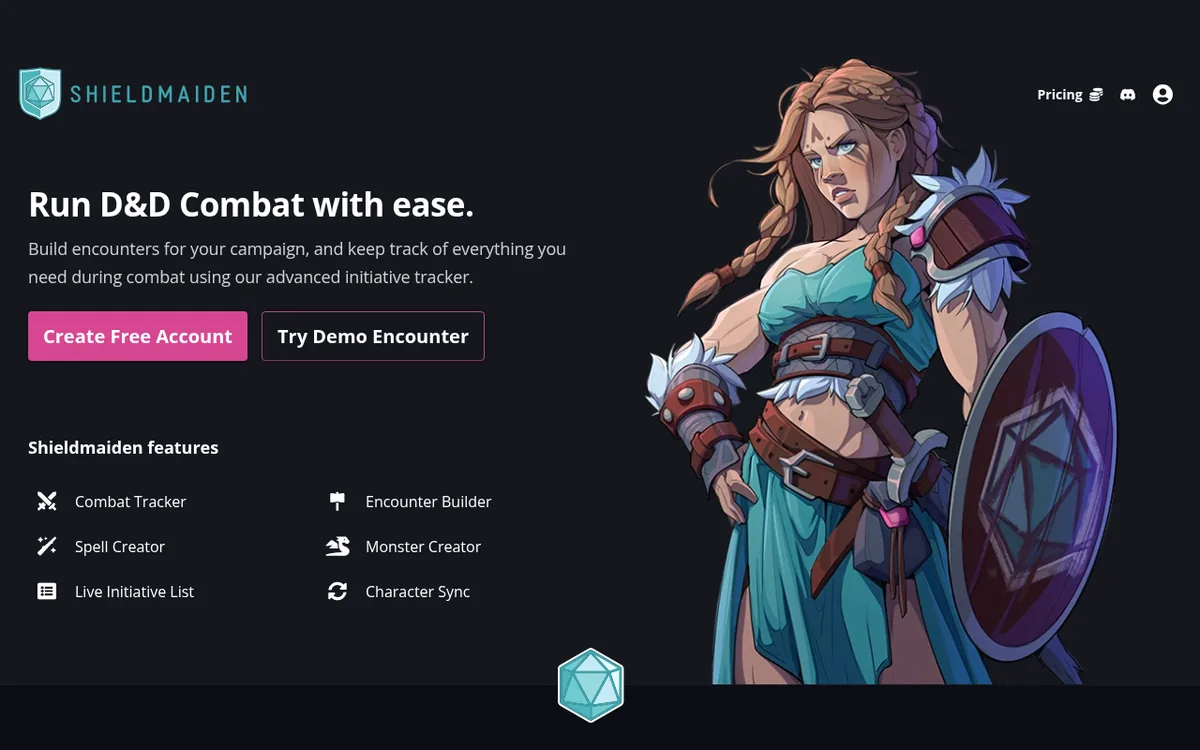
Shieldmaiden offers a combat tracker, encounter builder, spell creator, monster creator and a live initiative list, and it can sync characters. You can try a demo encounter before making an account.
It has a pricing page, so some features are paid. Check which ones your group would need before relying on the free tier.
Pick it if you want the encounter builder and tracker in one web app.
5. Roll20
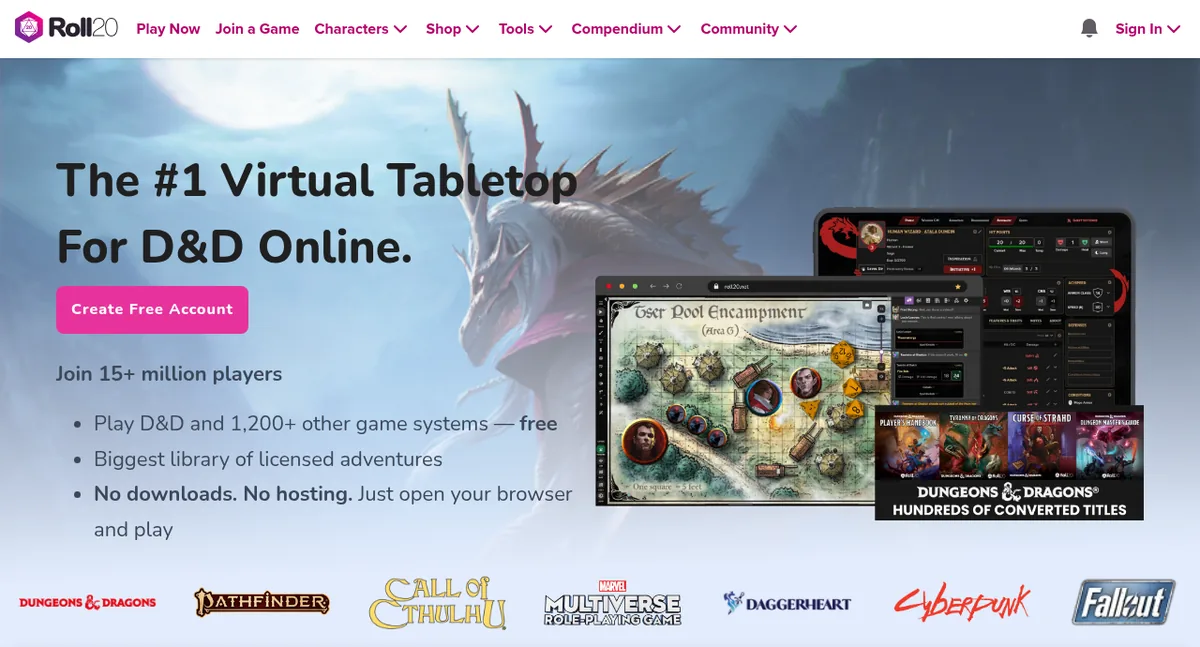
Roll20's turn tracker is included in a free account, together with maps and tokens. If your game already lives on Roll20, you don't need a separate tool.
If you don't use Roll20 for anything else, the account and the interface are a lot to take on for a tracker.
Pick it if you already play there.
6. Fantasy Grounds VTT
Fantasy Grounds can automate attacks, damage and conditions for D&D and other systems, and its base software became free to play in late 2025. Content is sold separately.
It is the heaviest option here: a desktop app for everyone, with a steep learning curve.
Pick it if you want combat to calculate itself.
7. MapTool
MapTool has an initiative panel and a macro language, so you can script rolls, damage and automation. It is free and open source.
Everyone installs it, and it needs time to learn.
Pick it if you want to build your own combat automation.
Which one should you use?
- A simple tracker on your own screen: Improved Initiative or D&D Battle Tracker.
- Players see initiative on their own screens, with images and music in the same tool: DMVault.
- Tracker plus encounter and monster builders: Shieldmaiden.
- Combat inside a virtual tabletop: Roll20, MapTool or Fantasy Grounds VTT.
All of these are free to try, and one encounter is enough to tell whether a tracker fits how you run combat.