
7 free alternatives to Foundry VTT
Foundry VTT is a very good virtual tabletop. It is also not free. You pay a one-time license fee (about $50 at the time of writing), and then you either host it on your own machine or pay a hosting service on top. Plenty of groups are happy with that deal. Plenty aren't, and a few just want to see whether online play suits them before spending anything.
This list covers seven free tools. None of them is "Foundry for free". They make different trade-offs, so I've tried to say plainly what each one does well and what it doesn't. One of them is DMVault, which I built, so weigh my opinion of that entry accordingly.
Quick comparison
| Tool | Cost | Install | Best for |
|---|---|---|---|
| Roll20 | Free tier, paid plans | Browser | Dice, sheets and the biggest player base |
| DMVault | Free, premium optional | Browser, players need no account | Running a whole session from one dashboard |
| Owlbear Rodeo | Free tier, paid plans | Browser | Fast, simple map play |
| Fantasy Grounds VTT | Free software, paid content | Desktop app | Rules automation across many systems |
| MapTool | Free, open source | Java desktop app | Tinkerers who want deep scripting |
| PlanarAlly | Free, open source | Self-host | Dynamic lighting without a license |
| FreeVTT | Free, open source | Browser | Local-first play with no accounts |
1. Roll20
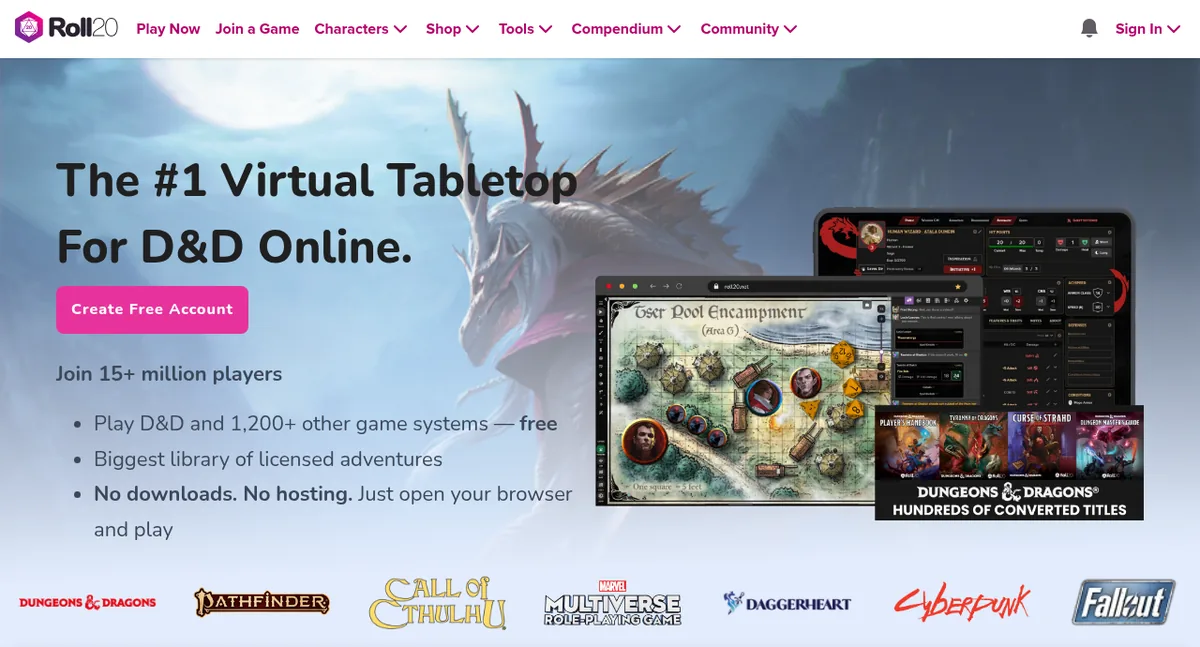
Roll20 is the default answer for a reason: it runs in the browser, it has a huge user base, and you can find a game of almost any system on it. The free tier covers maps, tokens, fog of war, dice, character sheets for the major systems and a chat window.
The catch is that dynamic lighting needs a paid Plus subscription (only the person who creates the game has to pay, not the players), and the API scripting sits on the more expensive Pro plan. The interface also shows its age, and the free tier's asset storage fills up quickly if you use a lot of art.
Pick it if your players already have accounts or you want to join public games.
2. DMVault
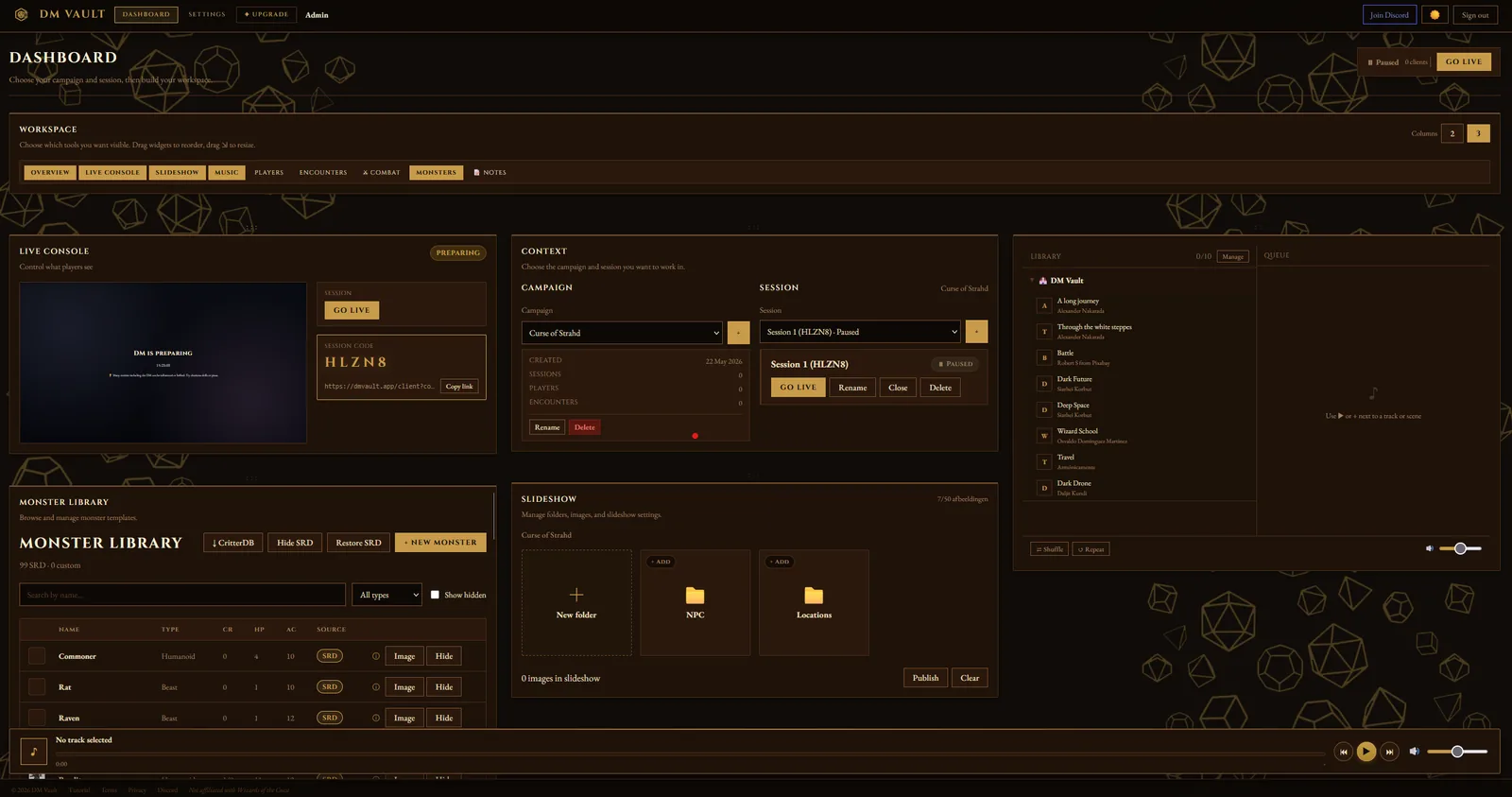
DMVault is built around one idea: the DM runs the whole session from a single dashboard and the players just watch. You prepare a campaign ahead of time, then go live. Players open a link and enter a session code. They need no account and nothing installed, so a table of five is ready in a minute. Only the DM signs up, and you can create a free account without verifying your email first.
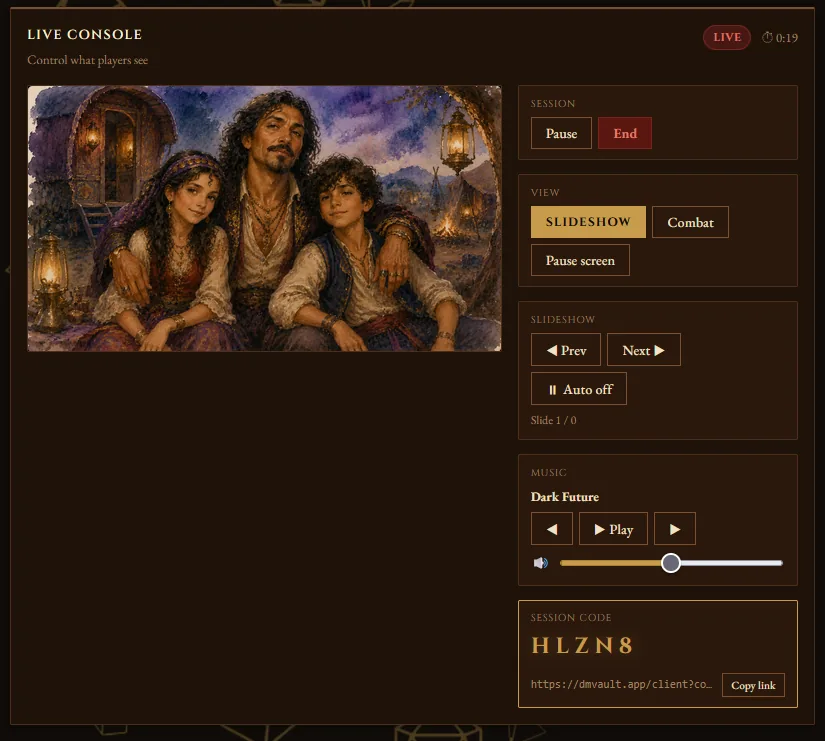
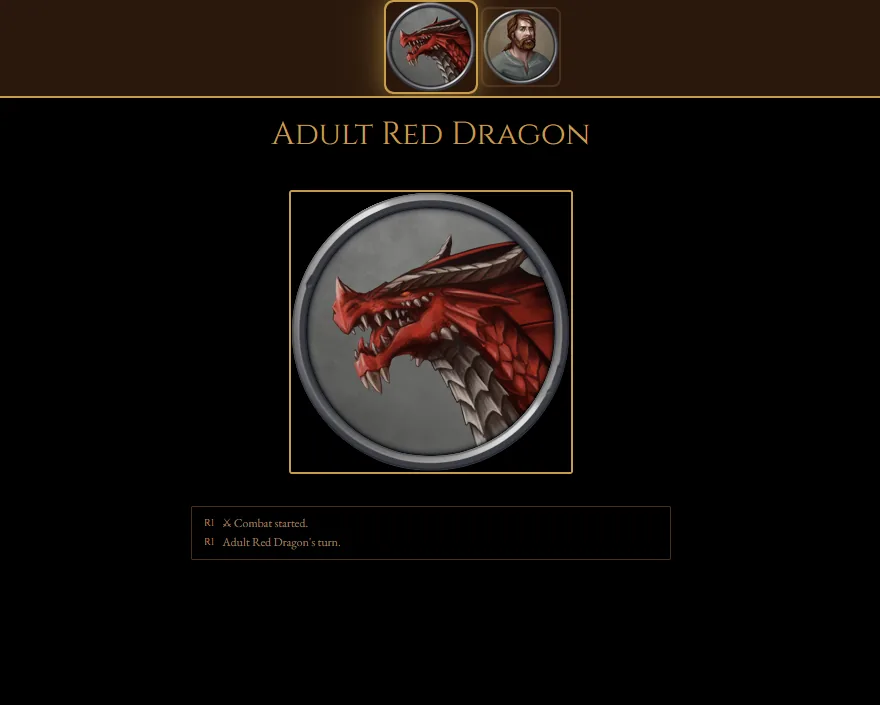
Everything you need during play sits in that one dashboard. You push images and maps to the players' screen, with drawing tools and fog of war when you want to reveal a room slowly. Ambient music scenes and a soundboard play on the players' side while you control them from yours. The combat tracker handles initiative, HP, death saves and conditions, and players see a clean initiative view of their own. For prep, there is the full D&D 5e SRD 5.1 monster library, an encounter builder with difficulty ratings, an NPC generator, campaign and session notes, and character import from D&D Beyond.
It is free with no ads and no tracking cookies. Free accounts get 50 images and 10 music tracks, and a premium tier (a small contribution on Ko-fi) raises that to 200 and 100. It is also still growing: the soundboard, drawing tools and fog of war all arrived this year.
DMVault is a DM toolkit rather than a rules engine, so it doesn't automate rolls or character sheets, and its monster library covers the SRD.
Pick it if you want to run a session at the table or on a call without juggling tabs, and you want to be set up in minutes. Create your free account and your first session is a few clicks away.
3. Owlbear Rodeo
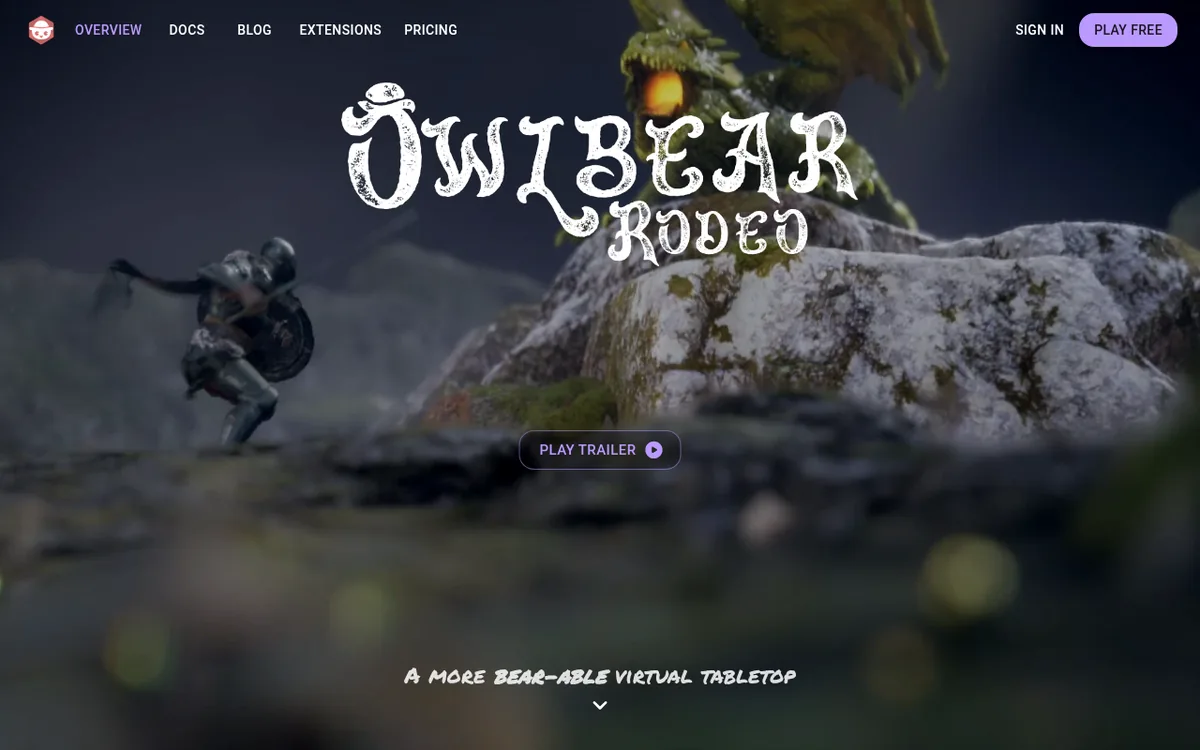
Owlbear Rodeo does one thing, shows a shared map with tokens and fog, and does it with very little friction. You can have a table running in a minute. It works for any system because it has no rules built in.
The free plan is limited, mainly in cloud storage, and the better features are on paid tiers. There are no character sheets or rules support in the base tool, though extensions can add some.
Pick it if "put a map on a screen and move things around" is most of what you need.
4. Fantasy Grounds VTT
Fantasy Grounds is the oldest tool on this list and the closest to Foundry in what it offers: it automates rules for many systems, including D&D 5e and Pathfinder. Its publisher made the base software free to play in late 2025, which puts it on this list. The official adventures, rulebooks and sourcebooks are still sold separately, and the largest library of licensed content is its main selling point.
It is a desktop application that players install too, and it has a reputation for a steep learning curve. Check the current terms on the official site, because the free and paid parts have changed recently.
Pick it if you want rules automation and are willing to learn a dense interface.
5. MapTool
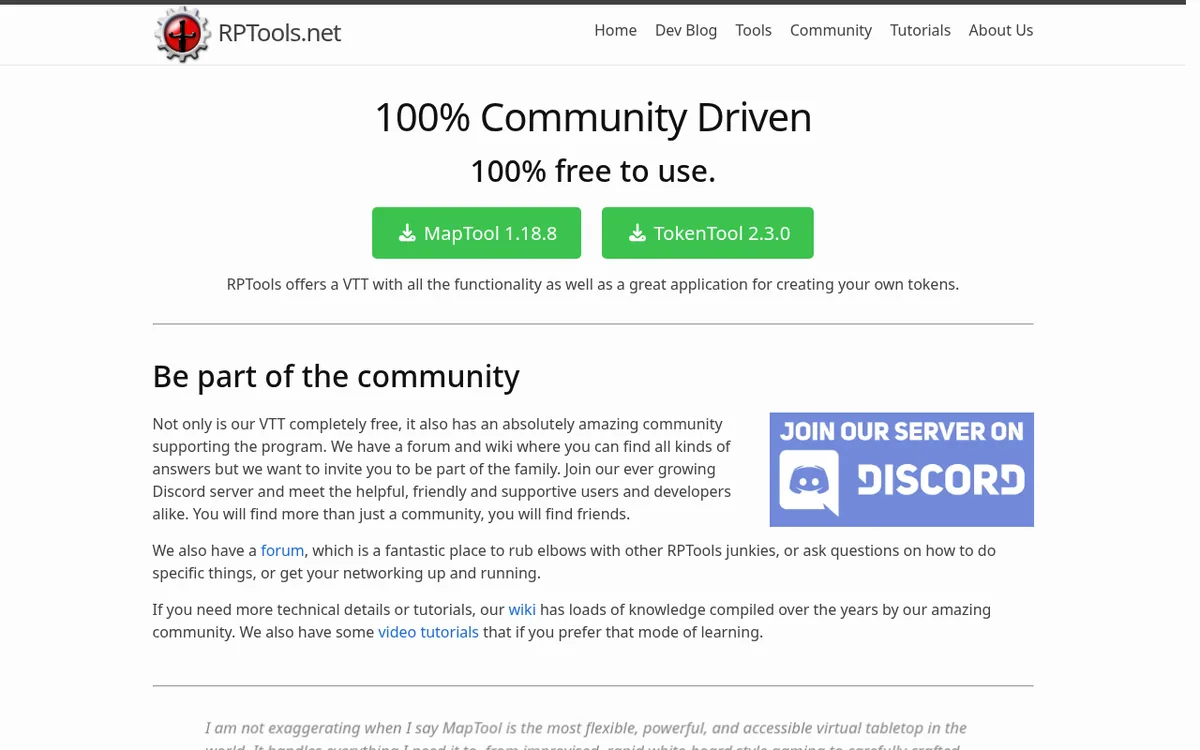
MapTool is a veteran open-source VTT from the RPTools project. It is a Java desktop application, which means installing it on every machine, and the interface takes some getting used to. In return you get a macro language that can automate almost anything, and no subscription.
It suits people who like building their own tooling. It does not suit people who want to send a link and start playing.
6. PlanarAlly
PlanarAlly is a free, open-source VTT you can self-host. Its main draw is dynamic lighting and player vision, which Foundry users will recognise and which many free tools skip. It also has an initiative tracker and layers.
Self-hosting means you need a machine to run it on and some patience with setup. It has no rules automation, and the community and content are far smaller than Foundry's.
7. FreeVTT
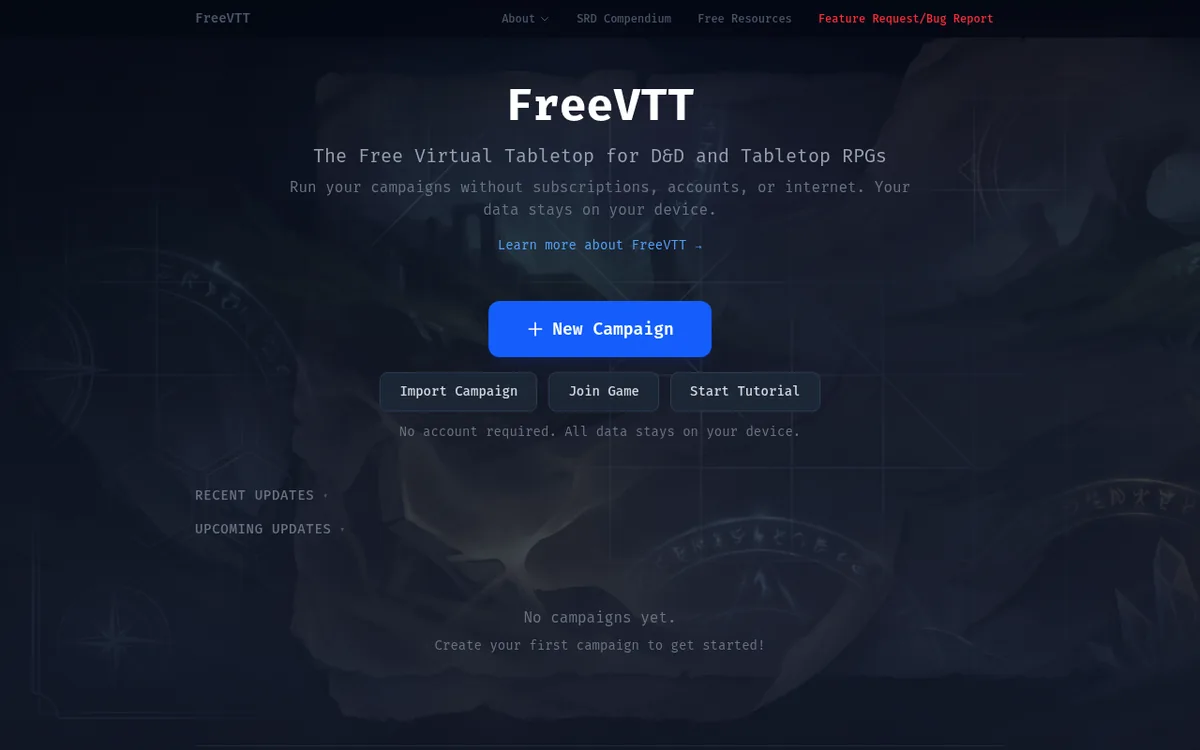
FreeVTT is an open-source browser tool aimed at D&D groups who want no subscriptions and no accounts. Its site says your campaign data stays on your device, and it works offline. It lists maps, tokens, fog of war, initiative tracking and dice rolling, plus an SRD compendium.
The trade-off of keeping everything local is that your campaign lives in one browser. Moving it between machines means exporting and importing it, and it is a young project with a small community.
Which one should you use?
If you want Foundry's depth for free, none of these match it, and I'd rather tell you that than pretend otherwise. If your needs are narrower, one of them probably fits:
- Public games and big communities: Roll20.
- A whole session from one dashboard, with players joining by link and no accounts: DMVault.
- Simple maps, quick setup: Owlbear Rodeo.
- Rules automation: Fantasy Grounds VTT.
- Scripting: MapTool.
- Dynamic lighting for free: PlanarAlly.
Try two or three with your group before committing. They cost nothing, and your players will tell you quickly which one gets in their way.